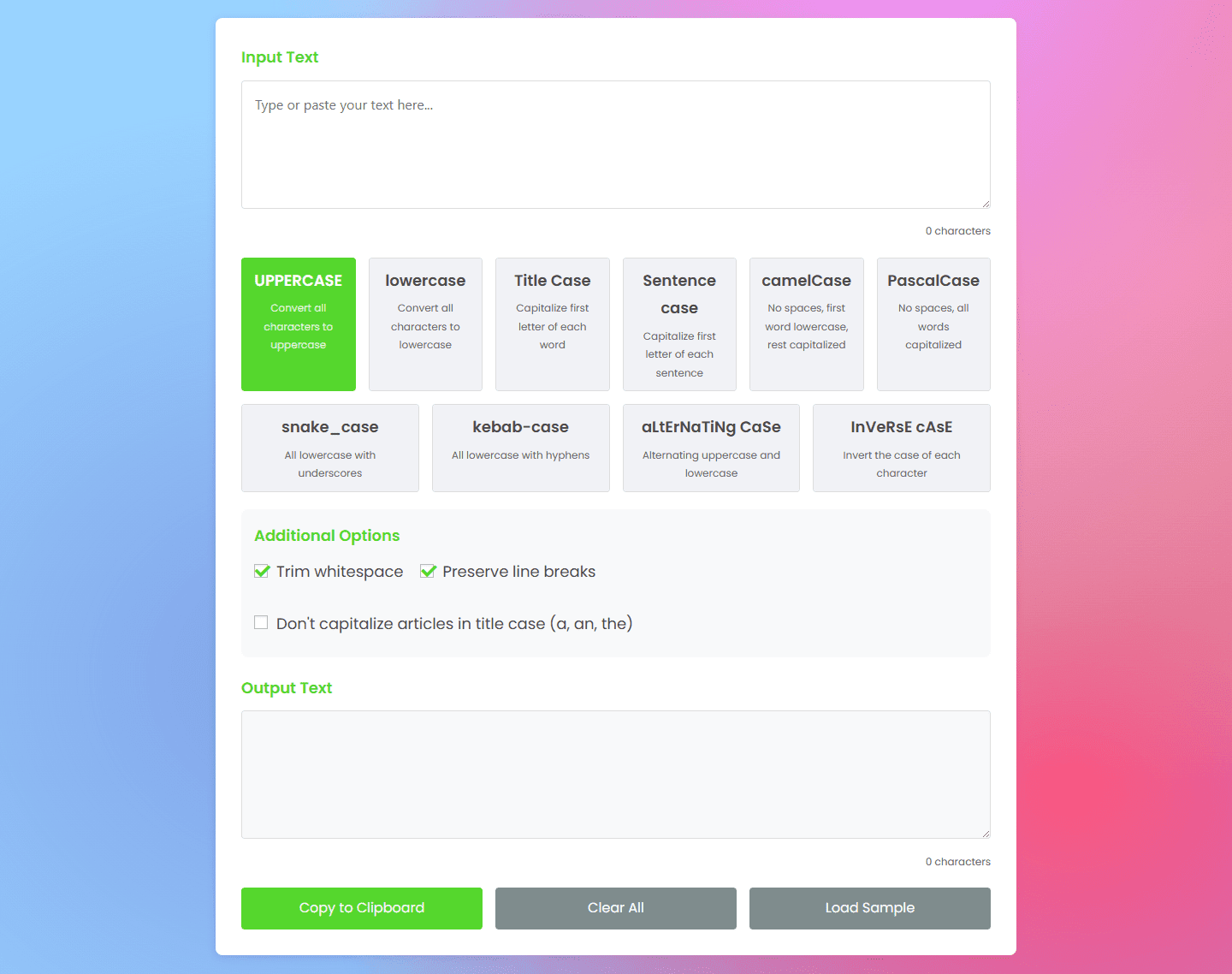
Text Case Converter

Convert text to UPPERCASE, lowercase, Title Case, and more

Input Text
0 characters
UPPERCASE
Convert all characters to uppercase
lowercase
Convert all characters to lowercase
Title Case
Capitalize first letter of each word
Sentence case
Capitalize first letter of each sentence
camelCase
No spaces, first word lowercase, rest capitalized
PascalCase
No spaces, all words capitalized
snake_case
All lowercase with underscores
kebab-case
All lowercase with hyphens
aLtErNaTiNg CaSe
Alternating uppercase and lowercase
InVeRsE cAsE
Invert the case of each character
Additional Options
Output Text
0 characters
Copied to clipboard!

How to Use an Text Case Converter?

Using a Text Case Converter is simple, fast, and doesn’t require any technical knowledge. Whether you’re a writer, student, developer, or content creator, this tool helps you instantly change your text style for professional or creative needs.

Enter Your Text

Type or paste the text you want to convert into the input box. It can be a single sentence, paragraph, or entire document the converter handles it all.

Choose Your Desired Case Option

Select from various case styles such as:

  • UPPERCASE – Converts all letters to capital letters.

  • lowercase – Changes all text to small letters.

  • Title Case – Capitalizes the first letter of each major word.

  • Sentence Case – Capitalizes only the first letter of each sentence.

  • aLtErNaTiNg cAsE – Makes your text fun and creative with alternating letters.

Text Case Converter

Preview the Result

Instantly view how your text looks after conversion. You can experiment with different cases until you find the perfect style.

Copy the Converted Text

Once satisfied, click Copy to Clipboard to use your formatted text in emails, articles, documents, or websites.